AKP269 V2018.10 VXDIAG Multi Diagnostic Tool for SUBARU SSM-III Multi Diagnostic Tool with Wifi Free Shipping
V2018.10 VXDIAG Multi Diagnostic Tool for SUBARU SSM-III Multi Diagnostic Tool with WifiTop 5 Reasons to Get VXDIAG SUBARU SSM-III:1.
Support language: English, German, Spanish, French, Italian
2. Subaru SSM-III Software Version: V2018.103. Fully Compatible with SAE-J25344. Support both 12V and 24V Gasoline and Diesel Car
5. Can Pay to Add Toyota, Honda, Porsche, JLR Software to the Same DeviceSUBARU SSM-III Software Feature: 1. Special dual cell processor for automotive, full compliant with all vehicles protocols.
2. Self-determination design for adapters and cables
SUBARU SSM-III Software Function: VXDIAG SUBARU SSM-III Multi Diagnostic Tool
1. All System Diagnosis. Selecting this item displays on a single screen the fault detect status of all control system control modules for which SSMΙΙΙ diagnosis is supported, and memorized diagnostic codes.
2. Each System Check. Selecting this item makes it possible to select a particular system from among the control systems forwhich SSMΙΙΙ diagnosis is supported, and perform fault diagnosis.
This item can be used to view input/output data of the system control modules that perform fault diagnosis, memorized diagnostic codes, and other data on the PC display. This menu item is also used after repair work is complete to delete diagnostic codes, to configure control module settings, etc.
3. Saved Data Display. This item can be used to save various data sampled during fault diagnosis operations, and to load data for viewing after work is complete.
4. Immobilizer. This item performs immobilizer registration.
5. Reprogram. This item performs reprogramming of the control module.
6. Read CF application measurement data. This item performs reading stand alone measurement data saved in a CF card to hard disk of your PC.
7. Convert/Save measurement data on driving recorder. Loads data sampled on the driving recorder to the PC from the CF card, and converts and saves that data.
8.Program Subaru smart key
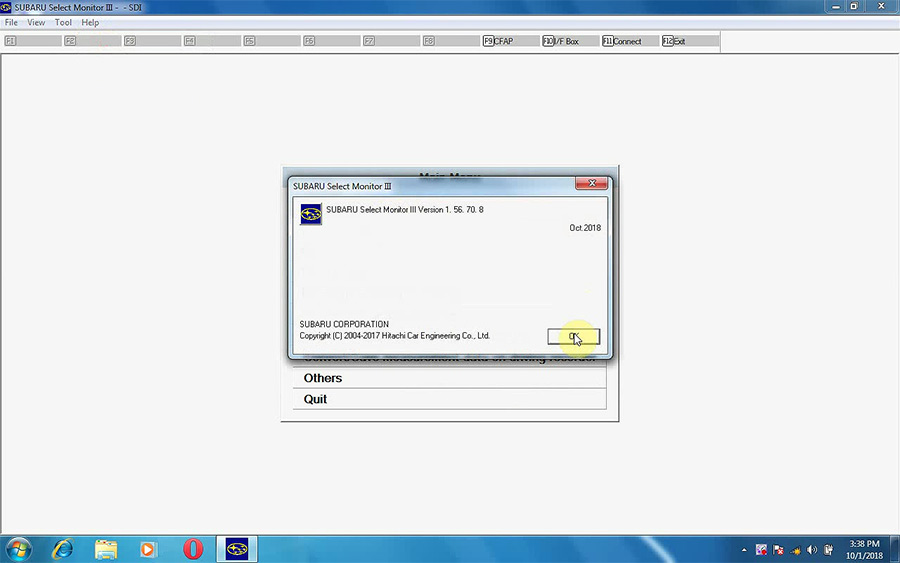
V2018.10 SUBARU SSM-III Software Display:
Packing List: 1pc x VXDIAG VCX-PLUS
1pc x OBDII Cable
1pc x USB Cable
1pc x CD


